HTML templates that save their own changes
Take a plain HTML Kanban template and drag a card to Done. The move stays in your own browser, if it stays at all. Send a teammate the link, and they see the card where it started.
The templates here keep that change, because each one saves into its own HTML. They live on Hyperclay, a host I built, and your copy lives there too.
Open the live Kanban template to see one. You don't need an account to look, and you can't change it.
To change a template, make your own copy. If you don't have an account, you choose a plan first. Then your copy lands in your workspace. In your copy, drag a card to Done and reload the page. The card is still in Done. Your copy saved that move into its HTML, with no separate database behind it.
Each template's page links to its live example and has a Make your own copy button.
Five templates
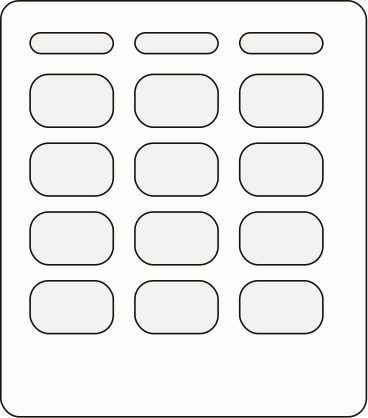 Kanban boardDrag cards between lists. Each card holds checklists, labels, due dates and comments signed by whoever wrote them. The template has no automations or integrations.
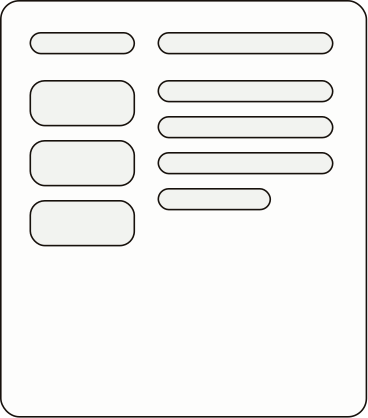 Field PadWrite dated entries in Markdown, then find them again with tags and search. Export your entries to Markdown at any time. A new copy starts public. Make it private and visitors can't open it.
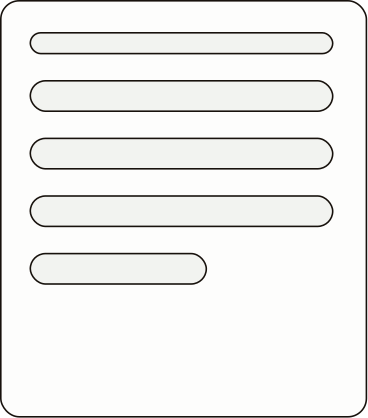 WriterWrite long articles with headings and code blocks. You edit with a toolbar, and visitors see only the finished article.
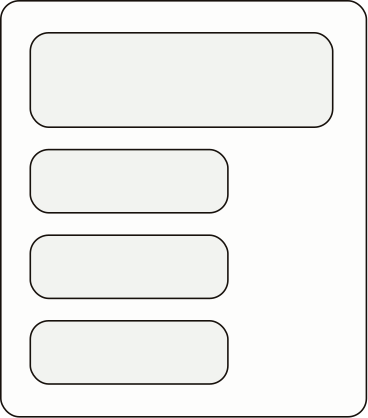 DevlogWrite dated posts that list the projects you worked on, and drag posts to reorder them. The signup form emails you each address. It doesn't send a newsletter.
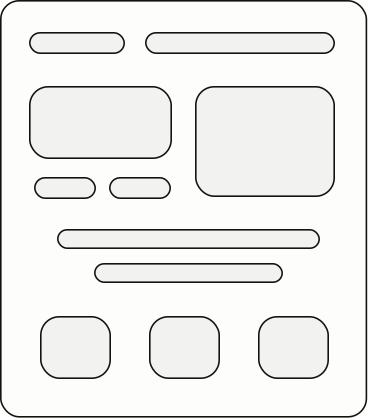 Landing pageClick any text on the page to change it. You can replace images too, and undo your recent changes. It's a one-page site for a product or project. Each template's page says plainly what it doesn't do.
Bring your own HTML
If Claude or ChatGPT already wrote you a tool, the page on hosting a tool your AI wrote shows how to put it here.
Plans
Hyperclay has no free plan. There are two paid plans, and both come with a full refund in the first 30 days. Personal is $6 a month. Maker is $15 a month and includes you and three editors.
If there's a template you wish were here, email me at david@hyperclay.com.